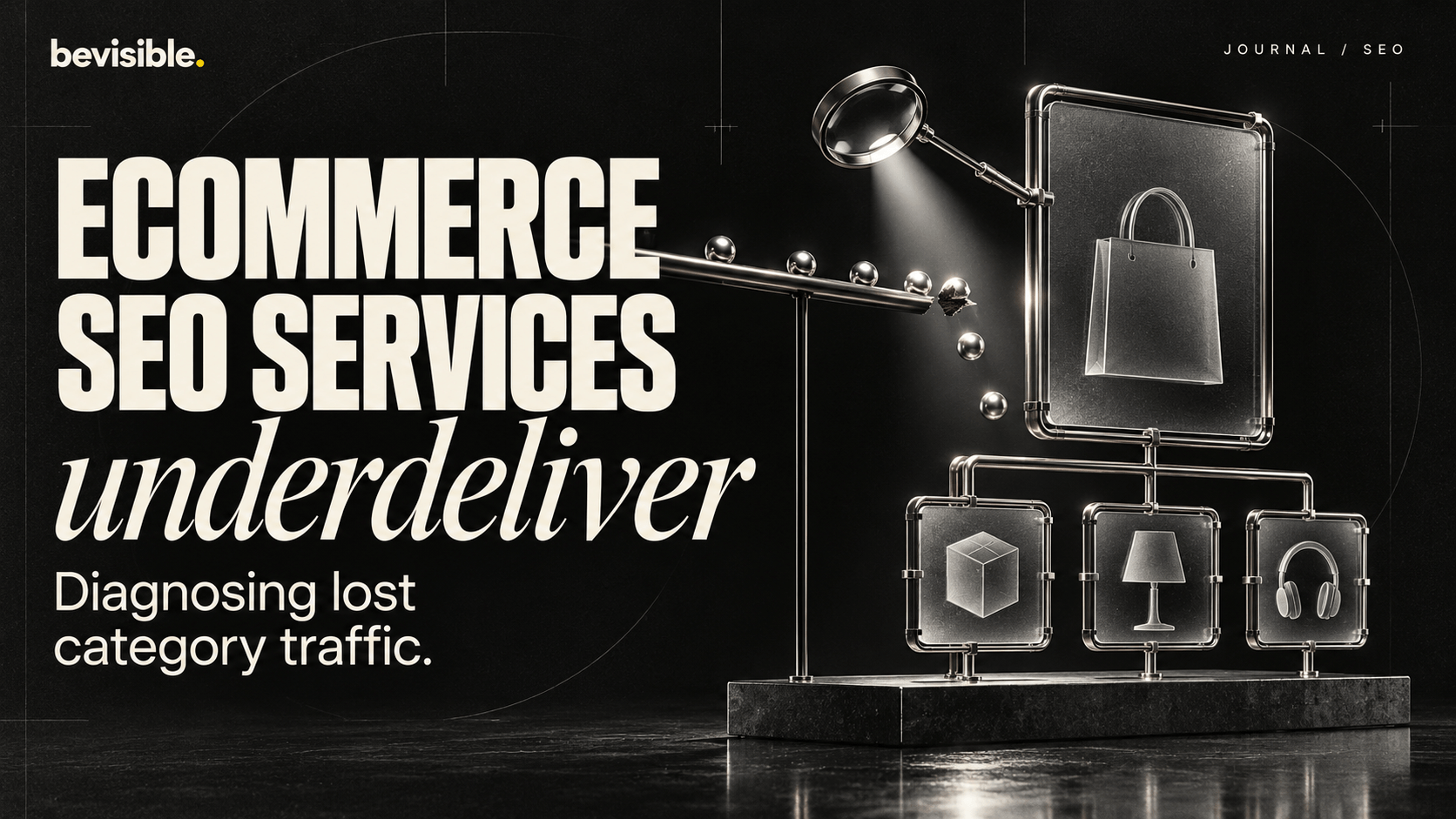
Ecommerce SEO Services Underdeliver: Diagnosing Lost Category Traffic
In short. If your ecommerce SEO services produce content but category traffic keeps dropping, the problem is rarely the writing. In our audits the leak sits in category architecture: thin or duplicated collection pages, faceted URLs eating crawl budget, and internal linking that starves money pages. Diagnose crawl, indexation, and link equity first, then fix the few pages that drive revenue.
You pay for ecommerce SEO services, content ships every month, product pages get optimized — and yet your category traffic keeps sliding. That gap between activity and results is the most common thing we see when a store owner asks us to look under the hood. According to Ahrefs analyses of ecommerce search, category and collection pages often capture the largest share of commercial, high-intent queries — which means when they slip, revenue slips with them, quietly.
The frustrating part is that nothing looks broken. Rankings exist, pages are indexed, the agency reports “work completed.” But the pages that actually drive money — your top category URLs — are losing ground to competitors who simply structured their catalog better. Here’s how we think about diagnosing it: the problem is almost never the volume of SEO work. It’s where that work lands, and whether your category architecture can hold a ranking at all.
This article walks through the diagnosis we run in audits — trigger, cause, evidence, impact, and the order of fixes — so you can tell whether your current service is treating symptoms or the actual constraint.
Why does category traffic fall while blog traffic grows?
Because most ecommerce SEO work gets spent where it’s easiest to measure — blog posts and product descriptions — while category pages quietly lose rankings to thinness, duplication, and poor internal linking. The traffic you see growing is informational; the traffic you’re losing is commercial.
In our audits we regularly see a store celebrating a 30% rise in blog sessions while its three best category pages dropped from position 4 to position 11. The blog brings readers; the category page brought buyers. One looks good in a report, the other pays the bills.
The split happens for a structural reason. Blog content is self-contained — write it, publish it, rank it. Category pages depend on the whole catalog around them: how collections are organized, how filters generate URLs, how products link back up. An agency can “do SEO” on a blog in isolation. A category page can’t be fixed in isolation.
When category traffic falls while blog traffic rises, you don’t have a content problem. You have an architecture problem dressed up as a content win.
So the first diagnostic question is not “are we publishing enough?” It’s “which specific category URLs lost rankings this quarter, and what changed around them?” If your reports can’t answer that, they’re measuring the wrong thing.
What's actually causing category pages to lose rankings?
The three recurring causes are thin or templated category copy, duplicate collection pages competing against each other, and faceted navigation that splits link equity across thousands of filter URLs. Any one of these quietly caps how high a category can rank.
Let’s separate them, because the fix for each is different.
- Thin category copy. A collection page with nothing but a product grid gives Google little reason to rank it over a competitor’s page that explains the category, answers buyer questions, and matches intent.
- Duplicate collections. Stores often create overlapping categories — “men’s running shoes,” “running shoes men,” “athletic footwear” — that compete for the same query and split rankings between them.
- Faceted URL sprawl. Filters for size, color, brand, and price generate endless indexable combinations that dilute the main category’s authority.
In one audit we ran for a mid-size Shopify store, a single parent category had 40 near-duplicate tag pages indexed, each siphoning a fraction of the link equity. Consolidating them into one strong page recovered the parent category’s ranking within six weeks.
The point: ranking loss on category pages is usually not caused by a competitor “doing more SEO.” It’s caused by your own store competing against itself and handing crawl budget to pages that will never convert.
How do I diagnose where the traffic is leaking?
Run a four-layer diagnosis: crawl, indexation, duplication, and internal links — in that order. Each layer answers a yes/no question, and you stop guessing once you find the layer that fails. This is the sequence we use before touching a single word of copy.
Here’s the order we work through:
- Crawl. Pull your log files or a crawl export. Are bots reaching category pages efficiently, or burning budget on filter URLs?
- Indexation. In Google Search Console, check how many category URLs sit in “crawled — currently not indexed” or “duplicate without user-selected canonical.” A spike here is your smoking gun.
- Duplication. Map every URL targeting the same keyword. If three pages chase one query, you’ve found split equity.
- Internal links. Count internal links pointing to each money category. Starved pages rarely rank, no matter how good the copy.
The Google Search Central documentation is clear that crawl budget and indexation signals matter most on large sites — and ecommerce stores are large sites by URL count, even when the catalog feels small. A 300-product store can easily generate 15,000 crawlable URLs once filters are indexable.
Most stores we diagnose fail at layer two or three. The copy is fine. The problem is that Google can’t decide which page to rank, so it ranks none of them well. Fix the signal confusion first, and the existing content starts performing.
Is faceted navigation quietly killing my crawl budget?
Very likely, if your filters produce indexable, crawlable URLs. Each size-color-brand combination becomes a separate page Google tries to crawl and index, draining budget from your real category pages and splitting their authority across junk variations.
The symptom is easy to spot once you look. In Search Console you’ll see thousands more “discovered” or “crawled not indexed” URLs than you have actual products. In Semrush or Ahrefs crawls you’ll see parameter-stuffed addresses like /collection?color=blue&size=m&sort=price.
Each of those is a page Google has to evaluate. Multiply by every filter combination and your crawl budget evaporates — spent on pages that will never earn a sale.
Faceted navigation is the most common hidden cause of lost ecommerce rankings we find. It’s invisible in a content report and obvious in a log file.
The fix isn’t to delete filters — buyers need them. It’s to control them:
- Decide which filtered views have real search demand (e.g. “blue running shoes”) and make those indexable, intent-matched landing pages.
- Block or canonicalize the rest so crawlers don’t waste time on combinations nobody searches.
- Keep the main category page as the single canonical authority for its head term.
Good ecommerce technical SEO services should already handle this. If your agency has never mentioned faceted navigation or crawl budget, that’s a signal their work stops at the content layer and never reaches the constraint.
Are my category pages actually matching search intent?
Often they’re not — they’re built for merchandising, not for the query. A category page that only shows a product grid ignores the questions buyers ask before purchasing, so it loses to competitors who treat the page as a mini landing page with real intent-matched content.
Here’s the distinction we draw in audits. A merchandising page exists to display stock. An SEO category page exists to win a commercial query and move a buyer toward it. Those goals overlap but aren’t identical.
When we review a struggling category, we ask three things:
- Does the copy use the actual language buyers search, or internal product jargon?
- Does it answer pre-purchase questions — sizing, use cases, comparisons — that keep people on the page?
- Does it match the dominant intent, or try to serve browsers and buyers with the same thin paragraph?
On a Shopify collection page we audited, the only text was a 12-word intro above the grid. The competitor ranking above it had a 300-word intro answering “which size to choose” and “how to care for” the product type. Same products, very different rankings. Adding genuinely useful intro and supporting copy — not keyword stuffing — moved the page three positions in a month.
The lesson: category copy isn’t decoration. It’s the signal that tells Google this page deserves the commercial query. If your ecommerce SEO services skip category copy because “it’s just a grid,” they’re leaving your highest-value pages undefended.
Why isn't internal linking passing authority to my money pages?
Because most ecommerce internal linking flows into blog posts and footer menus, not into the category pages that generate revenue. Authority pools where links point — and if nothing points at your top categories, they stay weak no matter how good their content is.
Internal links are how a site tells Google which pages matter. In most stores we diagnose, the homepage links to a few hero collections, the blog links to itself, and the deep category pages — the ones ranking for valuable mid-tail queries — get almost no internal attention.
The audit step is simple: export your internal link count per URL and sort by your revenue categories. We routinely find the pages that should be strongest receiving the fewest links.
Three practical moves we use:
- Link from strong to weak. Point internal links from high-authority pages — homepage, top blog posts, best-selling products — into the categories you want to rank.
- Build category-to-category links. Related collections should reference each other where it helps buyers, passing relevance and equity.
- Fix orphaned categories. Any category reachable only through faceted navigation is effectively invisible — give it a permanent, crawlable link.
Ahrefs research on internal linking consistently shows that pages with more relevant internal links tend to rank higher — and on ecommerce sites, internal links are something you fully control, unlike backlinks. It’s the cheapest ranking lever most stores ignore.
If your current service produces content but never maps internal links to revenue pages, the authority you’re earning is leaking away from the pages that matter most.
What should I fix first, and in what order?
Fix in order of blast radius, not effort: technical indexation and faceted sprawl first, then category copy on your top revenue URLs, then internal linking, then scale. Start with the handful of categories that drive the most revenue — not the whole catalog.
Here’s the sequence we recommend after diagnosis:
- First, stop the bleeding. Control faceted URLs, resolve duplicate collections, fix indexation errors. This recovers equity you’re already losing.
- Second, strengthen the few pages that matter. Rewrite and expand copy on your top five to ten revenue categories to match intent.
- Third, redirect authority. Add internal links from strong pages into those categories.
- Fourth, scale. Once the top categories recover, apply the same template across the catalog.
Prioritize by revenue, not by how easy a page is to edit. Ten strong category pages beat a hundred thin ones every time.
The business impact is where this lands for a store owner. A category page recovering from position 11 to position 4 doesn’t just add traffic — it adds the highest-converting traffic you can buy, at a cost that drops over time. That’s why we treat category recovery as the core deliverable of serious ecommerce SEO services, not a side task behind blogging.
If your current provider can’t show you which categories they’ve improved, by how much, and tied to revenue, you’re paying for activity rather than outcomes. The fix usually isn’t more work — it’s work aimed at the right constraint. Diagnose the architecture, repair the few pages that pay, and the growth your content was supposed to deliver finally shows up.